Module 04 · Gyors Textúrázó és Csempéző
Material, Surface & Tile Mapper
Tile patterns, grain direction and curved surfaces — mapped in clicks.
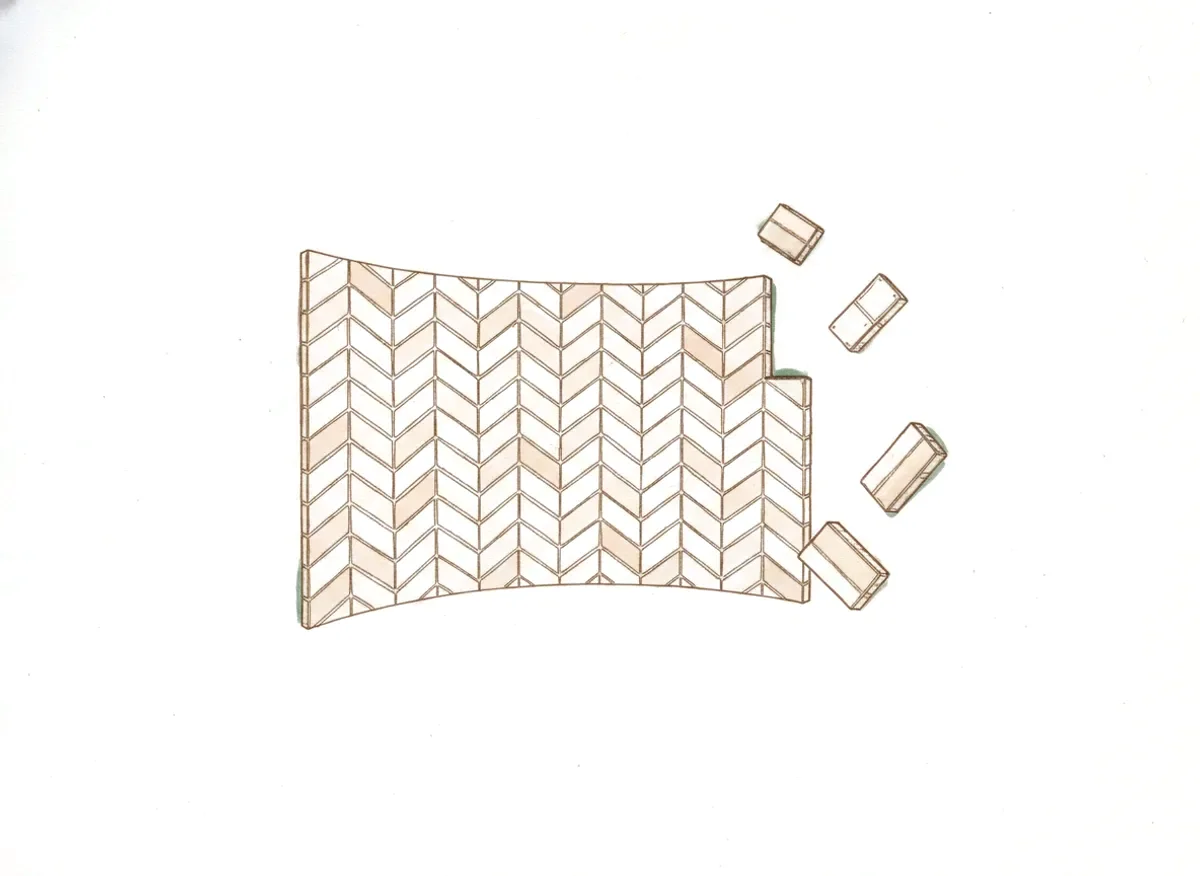
Real tile layouts in SketchUp mean groups inside groups, guide lines everywhere, and wood grain that never quite lines up. And the moment a surface curves — a counter front, a column — the texture distorts and the illusion is gone.
How it works
Three steps, no ceremony.
Click the surface
Pick any face — floor, wall, splashback, curved counter.
Choose the layout
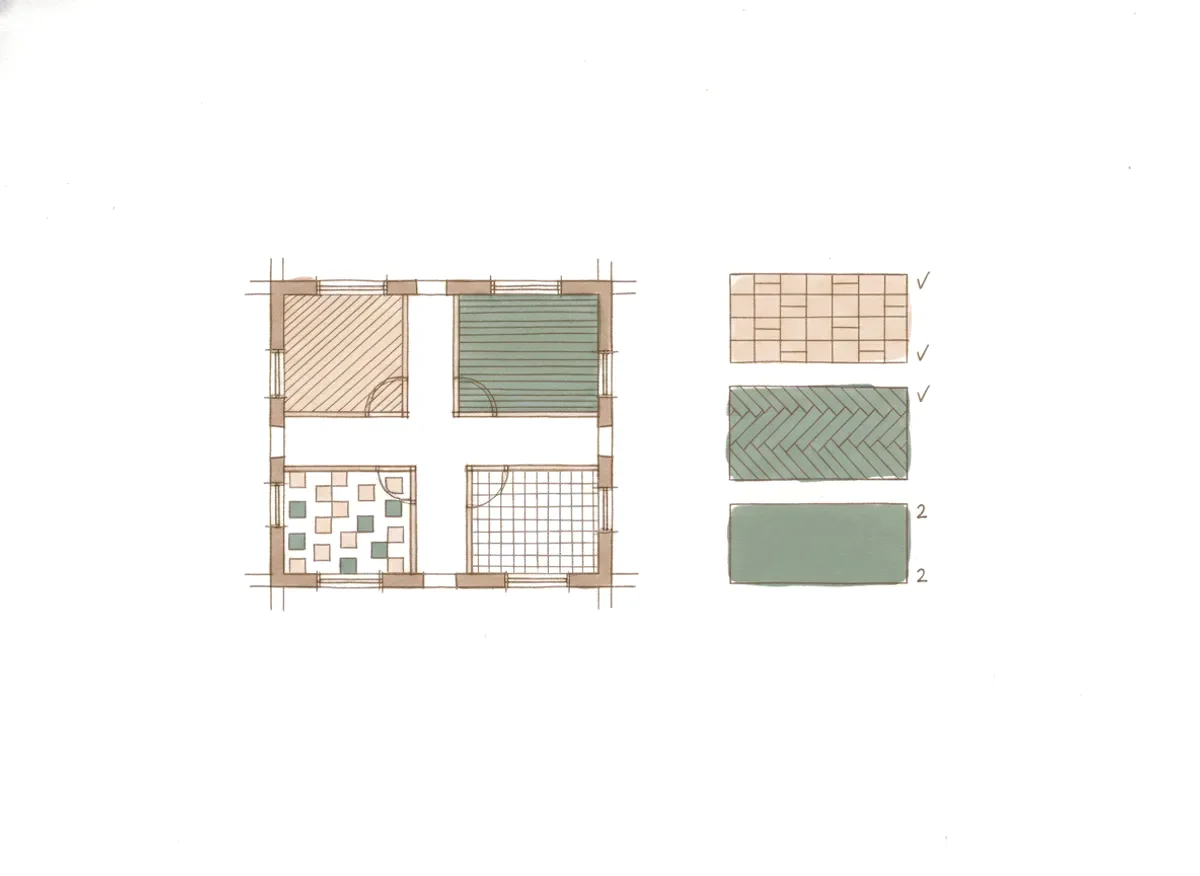
Running bond, grid, herringbone, chevron or offset — with real tile sizes and real grout widths.
Align in one click
Rotate 90°, rescale, match the grain — without entering a single group.
What's inside
Every part of the job, covered.
Interactive tile layout generator
- Patterns on click: running bond, grid, herringbone, chevron, offset bond
- Dynamic grout and sizing: tile size (e.g. 60×120 cm) and grout width (e.g. 2 mm)
Instant grain & pattern alignment
- Rotate 90° and rescale with one button — without entering the group
Curved-surface mapping
- Drape textures and tiles over curved counters, columns and walls without distortion
Stronger together
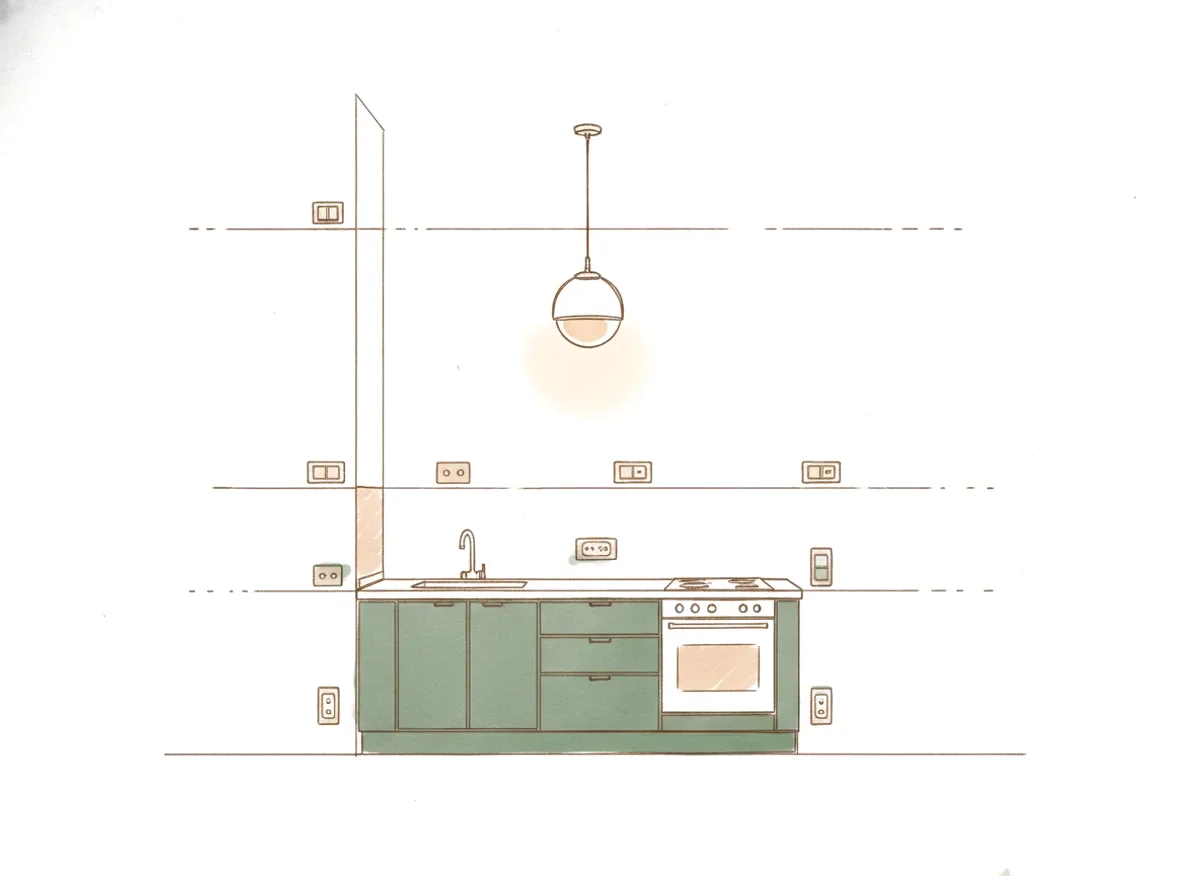
Pairs well with
Try before you decide
Take the whole suite for a spin.
Material, Surface & Tile Mapper and every other module, unlocked for 7 days — for 10¢. Or take just this module for a one-time $49.
Card required. After the trial the subscription continues at $29/month unless you cancel from your account before day 7.